-
Start of [Test] How to make GIFs and create a "Brady Bunch" effect blog post description
![]()
[Test] How to make GIFs and create a "Brady Bunch" effect
In this debut LIVE episode of Tuesday Tips & Tricks, Max and Tyler go over how to create: GIFs, a grid of videos (Brady Bunch... End of [Test] How to make GIFs and create a "Brady Bunch" effect blog post description
-
Start of [Test] How to name your clips in WeVideo blog post description
![]()
[Test] How to name your clips in WeVideo
Renaming your clips is the first of many ways to organize projects and videos in your WeVideo dashboard. By default, the clip’s... End of [Test] How to name your clips in WeVideo blog post description
-
Start of [Test] Create and share memories with slideshows blog post description
![]()
[Test] Create and share memories with slideshows
A very common video project that students, businesses, and everyday creators enjoy making is a photo story or slideshow. Using... End of [Test] Create and share memories with slideshows blog post description
-
Start of [Test] The Brady Bunch Effect blog post description
![]()
[Test] The Brady Bunch Effect
The Brady Bunch was an iconic 60's TV program with characters and a style that remains recognizable today. One of the show's most... End of [Test] The Brady Bunch Effect blog post description
-
Start of [Test] Product update: GIF creator is here! Plus, more! blog post description
![]()
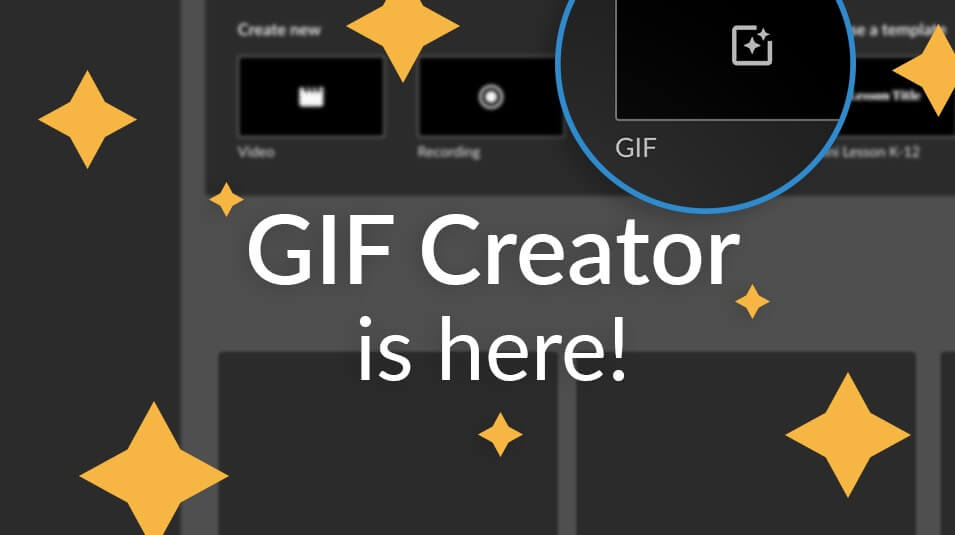
[Test] Product update: GIF creator is here! Plus, more!
Everyone loves videos, but not everyone has enough time to sit through a whole video. Images work, but you want something to... End of [Test] Product update: GIF creator is here! Plus, more! blog post description
-
Start of [Test] How to add transitions in WeVideo blog post description
![]()
[Test] How to add transitions in WeVideo
WeVideo has an entire library of different transitions to choose from to apply cool effects to your video. These can easily be... End of [Test] How to add transitions in WeVideo blog post description
-
Start of [Test] Editing with WeVideo blog post description
![]()
[Test] Editing with WeVideo
Learn about our advanced features and how to edit with WeVideo. End of [Test] Editing with WeVideo blog post description
-
Start of [Test] 4 ways educators are using GIFs blog post description
![]()
[Test] 4 ways educators are using GIFs
Did you hear the news? WeVideo launched GIF creation for educators! You asked and we listened! ? Educators, you can now create... End of [Test] 4 ways educators are using GIFs blog post description
-
Start of [Test] How to do slow and fast motion in WeVideo blog post description
![]()
[Test] How to do slow and fast motion in WeVideo
Did you know you can slow down or speed up your clip up to 5x its normal speed using WeVideo? To adjust the speed of your video... End of [Test] How to do slow and fast motion in WeVideo blog post description
-
Start of [Test] EdSpace the social learning network with Michael Crawford, PhD (Ep 28) blog post description
![]()
[Test] EdSpace the social learning network with Michael Crawford, PhD (Ep 28)
Michael J. Crawford, PhD, is the co-founder of EdSpace.live, the social learning network for the world of education. Michael is a... End of [Test] EdSpace the social learning network with Michael Crawford, PhD (Ep 28) blog post description
-
Start of [Test] Teachers: Using WeVideo with Students blog post description
![]()
[Test] Teachers: Using WeVideo with Students
Learn how to set up your classes and student rosters, create and assign projects, upload media and other key features for working... End of [Test] Teachers: Using WeVideo with Students blog post description
-
Start of [Test] How to make an animated photo slideshow blog post description
![]()
[Test] How to make an animated photo slideshow
An animated photo slideshow, commonly known as the Ken Burns effect, is a slow panning and zooming of still images. It can make... End of [Test] How to make an animated photo slideshow blog post description